


Google has launched the Gemini app for Windows, bringing its AI assistant directly onto the desktop with a system-wide keyboard shortcut instead of keeping it confined to a browser tab or mobile app.
One Shortcut, Instant Access
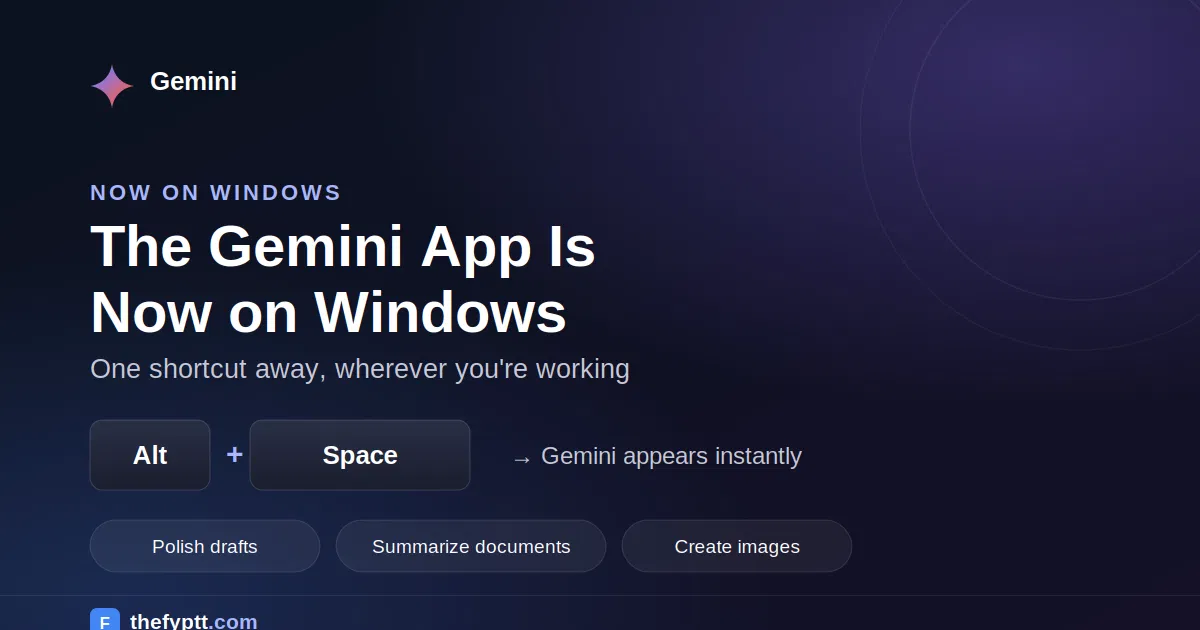
The core feature is the Alt + Space shortcut, which opens Gemini over whatever a user is currently working on, without needing to switch windows or open a browser. Google is positioning the app as a tool designed to work seamlessly alongside a person’s existing apps rather than replace them, giving instant assistance without breaking their workflow.
What You Can Do With It
According to Google, three of the main use cases for the new desktop app are:
- Polish drafts and summarize documents pull up Gemini instantly to refine writing or condense long documents without leaving the app currently open.
- Brainstorm ideas use Gemini as a quick thinking partner mid-task, whether that’s planning a project or working through a problem.
- Create custom images and videos generate visual content directly from the desktop, alongside whatever other tools are already open.
The demo Google shared shows the app running as a compact sidebar alongside everyday tasks, letting a user ask Gemini questions without minimizing or switching out of what they’re doing.
Availability
The Gemini app for Windows is available now and can be downloaded from Google’s official Gemini desktop page. Google has not announced a confirmed release timeline for a similar native app on macOS.
Why This Matters
This release continues Google’s broader push to move Gemini out of the browser and onto the desktop directly, following the earlier rollout of a Google app for Windows that combined AI Mode search, Google Lens, and file search under the same Alt + Space shortcut. With a dedicated Gemini app now available, Google is making its AI assistant a persistent, one-keystroke-away layer on Windows PCs rather than a destination users have to navigate to separately.
How to Get Started
Users can visit Google’s official Gemini for Windows download page to install the app and start using the Alt + Space shortcut right away.