

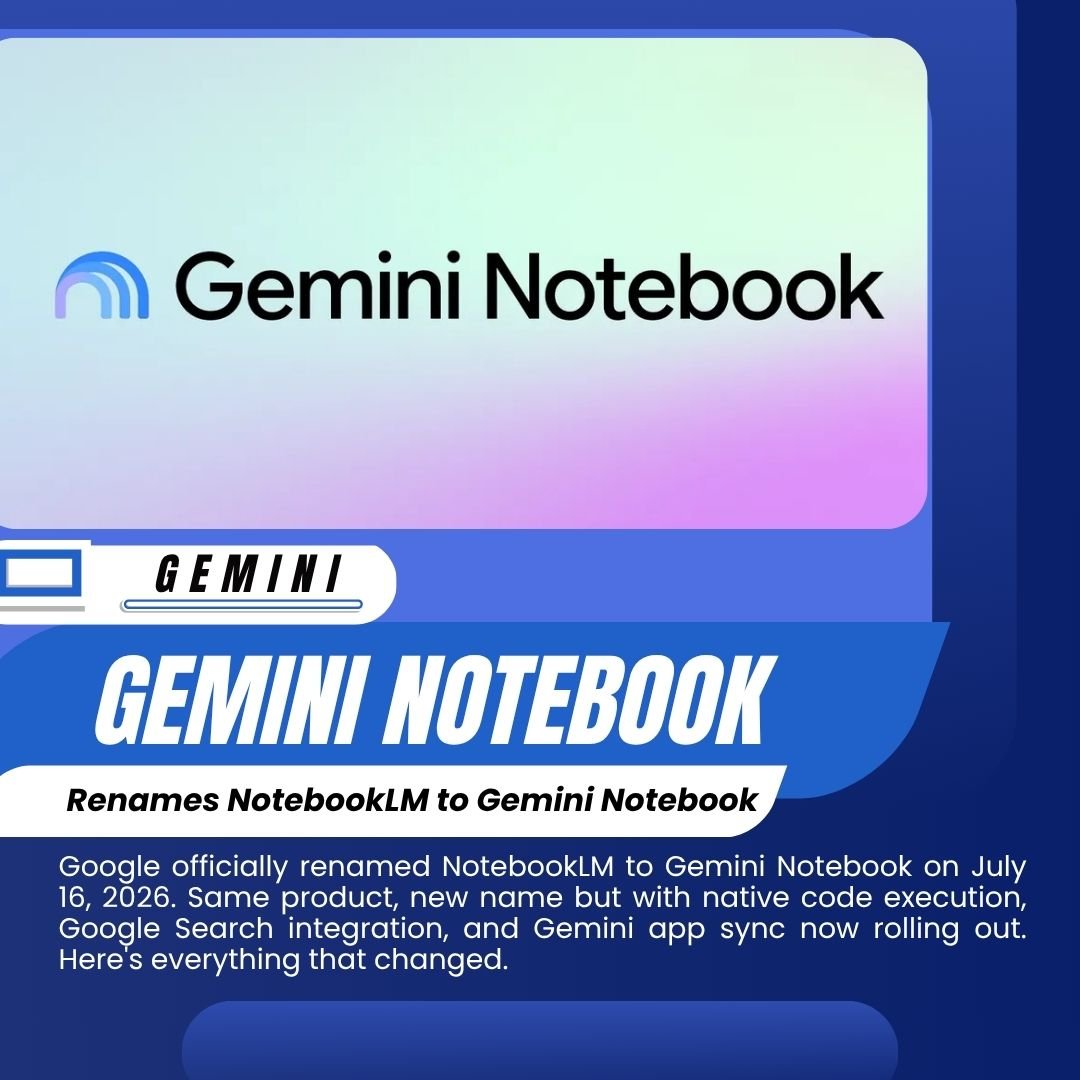

If you’ve been using NotebookLM, you’ll notice something different the next time you open it: it’s now called Gemini Notebook.
Google officially made the change on July 16, 2026. The product which launched as Project Tailwind at Google I/O 2023, became NotebookLM later that year, and has since grown to over 30 million individual users and more than 600,000 organizations is keeping everything that made it useful. But the rename is not purely cosmetic. It comes with a new feature, a new logo, and a clearer roadmap for where this product is heading inside Google’s AI ecosystem.
IS IT THE SAME PRODUCT?
Yes. Your existing notebooks carry over. All your sources, audio overviews, summaries, mind maps, and custom instructions remain exactly where you left them. Google has been explicit about this: nothing has been removed, and the core experience is unchanged.
What the rename signals is a shift in positioning. The “LM” in NotebookLM always stood for Language Model accurate but jargon-heavy, and never particularly friendly for general users. Gemini Notebook drops the technical abbreviation, picks up the blue-and-purple Gemini gradient logo, and makes the connection to Google’s broader AI suite immediately obvious.
This follows a pattern Google has now used repeatedly with its AI tools: incubate under a distinct experimental name, grow the user base, then absorb into the Gemini brand once the product hits scale. Google absorbed Bard into Gemini in February 2024. Now NotebookLM follows at 30M users and 600,000+ organizations.
WHAT’S ACTUALLY NEW
The rename arrives with one significant new capability: native code execution inside every notebook.
Google describes this as a secure cloud computer embedded directly into the notebook environment. You can now upload your research sources documents, PDFs, spreadsheets, audio and then ask Gemini Notebook to write and run code directly against that data to perform complex analysis. You no longer need to export your data to another tool to run calculations or generate visualizations. The model writes the code, executes it in a sandboxed cloud environment, and returns results inside your notebook.
This feature is codenamed “Antigravity” internally and is tied to a Gemini 3.5 model upgrade. It is rolling out now to Pro users and expanding more broadly soon.
WHAT’S COMING NEXT
Two integrations are confirmed as coming soon:
Google Search AI Mode: Your notebooks will soon be accessible inside Google Search’s AI Mode. You’ll be able to bring your personal research directly into a search session meaning when you search for something, the AI can cross-reference your own source material from Gemini Notebook as part of its answer.
Expanded Gemini App Sync: Notebooks already sync bidirectionally with the Gemini app rename a notebook in one place, it updates in the other within seconds. Advanced features like Audio Overviews, Video Overviews, and AI-generated infographics are now accessible from inside Gemini chats, not just the standalone interface. The sync will continue to expand through 2026.
HOW GEMINI NOTEBOOK AND GEMINI APP NOTEBOOKS DIFFER
This is the part that’s causing some confusion. Inside the Gemini app, there are already “Notebooks” a workspace for organizing your chat history and ongoing work. That’s different from Gemini Notebook (the renamed NotebookLM).
Think of it this way: Gemini Notebook is the deep-research tool where you upload your own source documents and ground the AI exclusively in those materials. Notebooks inside the Gemini app are more like persistent chat workspaces. The two products sync, they share notebooks, but they serve different purposes.
Google confirmed Workspace Enterprise and Education users have had the ability to add Gemini Notebook notebooks as sources inside Gemini chats since January 2026. The broader consumer rollout of the bidirectional sync happened in April 2026. The rename and code execution feature are the next step in that ongoing convergence.
WHY GEMINI NOTEBOOK IS DIFFERENT FROM REGULAR AI CHATBOTS
The core advantage of Gemini Notebook has always been source grounding. Unlike a general-purpose AI chat that draws on its training data, Gemini Notebook works exclusively from the sources you upload. It won’t pull in information from the web or from its training data unless you explicitly include those sources. That constraint is a feature it makes the tool much more reliable for research, legal review, academic work, or any situation where accuracy and citation traceability matter.
The killer features that made NotebookLM famous remain intact: Audio Overviews (podcast-style summaries of your uploaded sources), mind maps, interactive Q&A with citations back to the original document, video summaries, and now code execution.
WHO SHOULD CARE MOST ABOUT THIS
The rebranding and new features matter most to:
Researchers and students who use NotebookLM to synthesize large volumes of material. Native code execution means they can now do data analysis directly inside their research environment.
Educators who were already some of the heaviest NotebookLM users. The combination of audio overviews, visual summaries, and interactive Q&A has made it a widely used classroom tool.
Business analysts and knowledge workers who upload company documents. The ability to run code against proprietary data in a sandboxed environment, without sending that data to an external tool, is a meaningful upgrade for compliance-sensitive use cases.
Enterprise teams already on Google Workspace who will benefit most from the Gemini app sync and the coming Search integration.
BOTTOM LINE
The rename from NotebookLM to Gemini Notebook changes nothing about how the product works today but it signals a clear direction for where it’s going. Native code execution is a meaningful new capability. Google Search integration is coming. And bringing 30 million users and 600,000 organizations under the Gemini brand makes the product significantly more visible and harder to ignore for anyone evaluating Google’s AI ecosystem. If you’ve tried NotebookLM before and moved on, now is a good time to look again.