

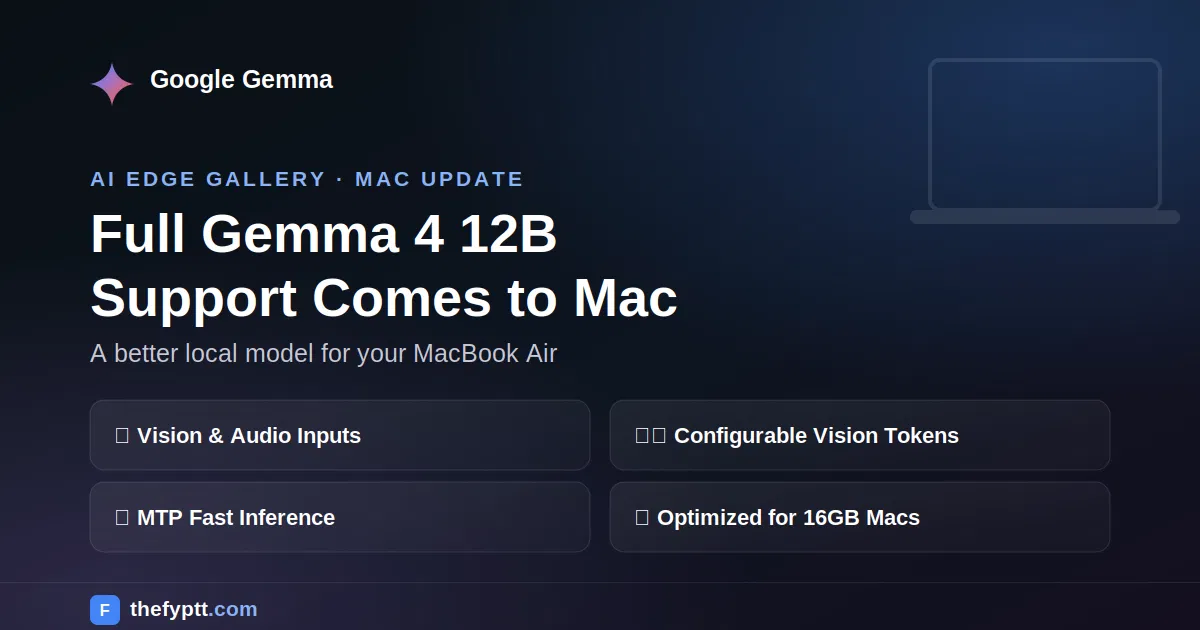

Google has rolled out a major update to its AI Edge Gallery app on Mac, adding full support for Gemma 4 12B, its multimodal, locally-run open model. The update is aimed at users looking for a stronger local AI model that still runs comfortably on everyday hardware, including a MacBook Air.
What’s New in This Update
Google highlighted four specific improvements in this release:
- Multimodal vision and audio inputs the model can now process both images and audio directly inside AI Edge Gallery on Mac.
- Configurable vision token budgets users can adjust how many tokens are dedicated to processing visual input, trading off speed versus visual detail depending on the task.
- MTP for blazing-fast inference Multi-Token Prediction, a dedicated drafter model Google built specifically for Gemma 4 12B, speeds up local generation.
- Optimized to run on 16GB Macs the model has been tuned to run within the memory constraints of a standard 16GB Mac rather than requiring high-end hardware.
Why Gemma 4 12B Runs So Efficiently
Gemma 4 12B is built on an encoder-free multimodal architecture, meaning image and audio data get fed directly into the language model’s backbone instead of passing through separate, heavyweight vision and audio encoders first. This removes millions of parameters worth of intermediate processing that earlier multimodal models required, cutting both latency and memory footprint.
On the vision side, Google replaced the traditional vision encoder with a lightweight embedding module built from a single matrix multiplication plus positional embeddings and normalization, letting the language model itself handle visual processing. On the audio side, the separate audio encoder was removed entirely, with raw audio signals projected directly into the same dimensional space as text tokens.
According to Google, Gemma 4 12B is the first medium-sized model in the Gemma family capable of natively ingesting audio, a capability previously limited to its smallest edge-focused models.
What This Enables on Mac
Beyond AI Edge Gallery, Gemma 4 12B is also available on macOS through AI Edge Eloquent, a fully offline voice dictation and text-editing app, and through LiteRT-LM, which lets the model be served locally through OpenAI-compatible endpoints for developers who want to plug it into their own tools and frameworks.
Inside AI Edge Gallery specifically, Gemma 4 12B is designed to bring agentic capabilities to everyday laptops, including the ability to generate and execute Python scripts locally for tasks like data analysis. Google has previously demonstrated the model generating code to analyze datasets and build charts from raw data, as well as writing and self-correcting code to render a 3D object from a single prompt.
Hardware Requirements
Gemma 4 12B was designed to be small enough to run locally on laptops with 16GB of VRAM or unified memory, putting it within reach of standard consumer hardware rather than requiring a dedicated high-end GPU setup. This latest update extends that same efficiency specifically to the Mac version of AI Edge Gallery.
Why It Matters
The broader push behind Gemma 4 12B and the Google AI Edge stack is moving AI processing from remote servers onto the device itself. Cloud-based generative AI means every request travels out to a server and back, which adds cost, exposes data externally, and breaks entirely without a connection. Running a capable multimodal model directly on a laptop avoids all three problems at once.
How to Get Started
Users can download the updated AI Edge Gallery app directly from ai.google.dev/edge/gallery to start using Gemma 4 12B locally on a compatible Mac.