

Blog
  • Beginner’s Guides
  • Digital Marketing
  • SEO Professionals
  • Web Development
  • Accessibility
  • Testing
Reading: Gemini Notebook Adds Interactive Learning Overviews for Focused Studying
Share
BlogBlog
Font ResizerAa
  • Complaint
  • Complaint
  • Advertise
  • Advertise
Search
  • Categories
    • Lifestyle
    • Wellness
    • Healthy
    • Nutrition
  • Categories
    • Lifestyle
    • Wellness
    • Healthy
    • Nutrition
  • More Foxiz
    • Blog Index
    • Complaint
    • Sitemap
    • Advertise
  • More Foxiz
    • Blog Index
    • Complaint
    • Sitemap
    • Advertise
Follow US
Copyright © 2014-2023 Ruby Theme Ltd. All Rights Reserved.
Home » Blog » Gemini Notebook Adds Interactive Learning Overviews for Focused Studying
gemini-notebook-interactive-learning-overviews
AI News

Gemini Notebook Adds Interactive Learning Overviews for Focused Studying

Emily Parrr
By Emily Parrr
Last updated: September 22, 2026
4 Min Read
SHARE

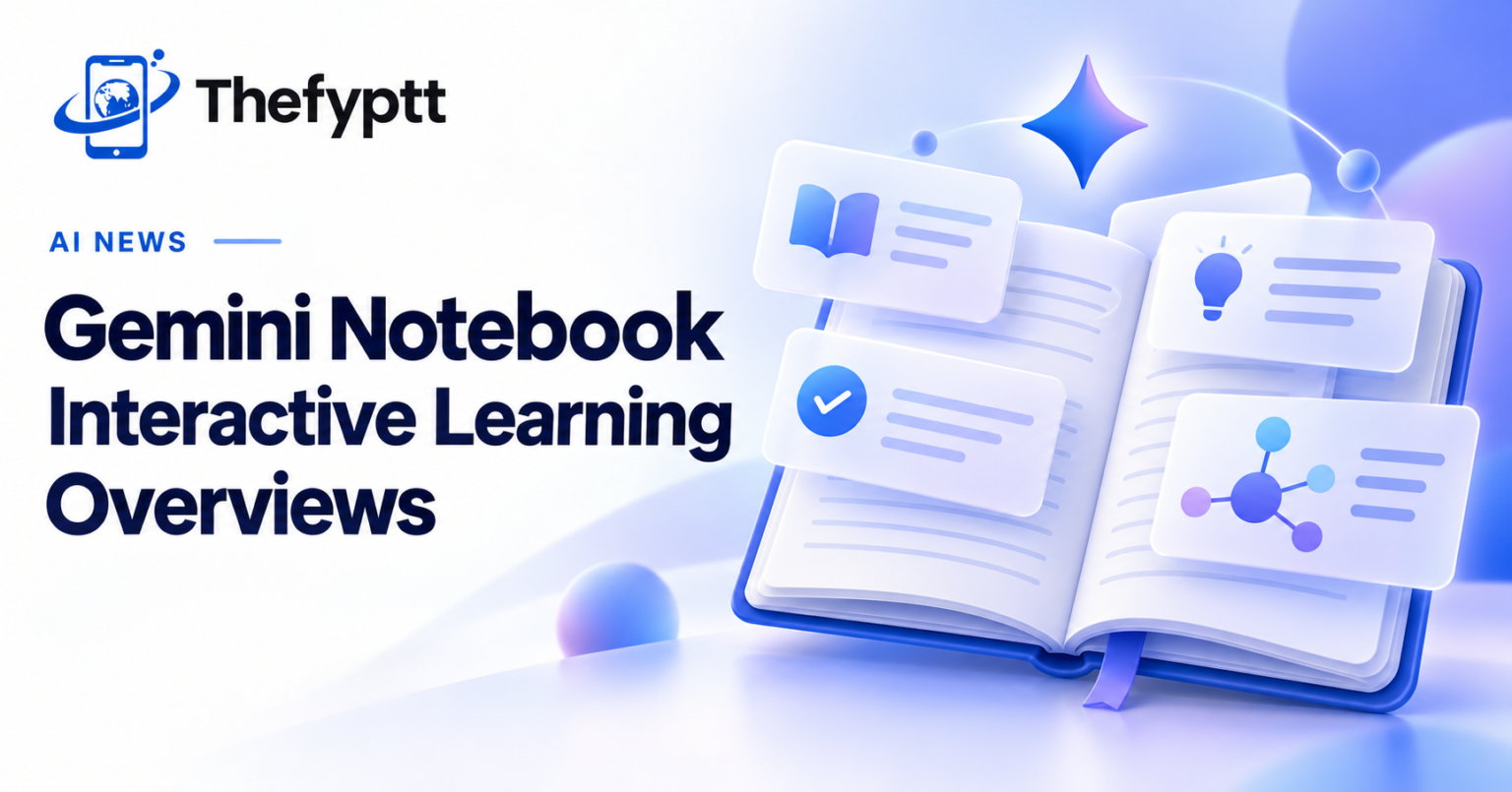
Google is rolling out Gemini Notebook Interactive Learning Overviews, a feature that brings source summaries and study materials together inside Reports. The update gives users a central place to explore a subject and review related learning resources.

Contents
  • What Are Interactive Learning Overviews?
  • Who Can Access the New Feature?
  • Where to Find Interactive Learning Overviews
  • Why This Update Could Be Useful
  • Part of a Broader Gemini Notebook Update

Google introduced the feature in its September 15 product announcement. A Gemini Notebook post on X also highlights the feature’s availability to all users, describing it as an interactive hub for studying or exploring a new topic.

The launches continue! Level up your learning with Interactive Learning Overviews— now available to ALL users! 📓✨

Under Reports, seamlessly combine source summaries with studio artifacts into one interactive hub. Perfect for studying or one stop deep dives into a new topic. pic.twitter.com/grnuM2B5DB

— Gemini Notebook (@Gemini_Notebook) September 21, 2026

What Are Interactive Learning Overviews?

Interactive Learning Overviews combine summaries with Studio outputs. Google’s announcement lists infographics, quizzes and flashcards as examples of the material that can be brought together.

The idea is straightforward: give a learner a connected overview of their subject, with supporting study activities close at hand.

For example, someone reviewing a difficult chapter could begin with its main ideas, then use related practice material to identify what still needs attention. That is an illustrative use case, rather than a result from hands-on testing.

Who Can Access the New Feature?

Google’s September 18 Workspace update lists availability for personal Google accounts, Google Workspace customers and Workspace Individual subscribers.

However, eligibility and immediate visibility are different. The same notice says an extended rollout began on September 15, with feature visibility potentially taking longer than 15 days for Workspace domains.

For school or work accounts, Gemini Notebook also needs to be enabled by the organization. Users who cannot see the option yet should keep the rollout timing and their organization’s access settings in mind.

Where to Find Interactive Learning Overviews

Google places the feature under Reports. The demonstration screenshot accompanying the X post shows a “Create report” window with a Learning Overview option, a language selector, an instruction field and a Generate button.

Based on that demonstrated interface, the workflow is:

  1. Open the notebook you want to study.
  2. Go to Reports and look for the Learning Overview option.
  3. Choose the available language setting and describe your learning goal.
  4. Select Generate, then review the resulting overview against your sources.

An example instruction could be:

Explain the main concepts for a beginner. Focus on the differences between key terms and highlight the ideas I should review before an exam.

This is a suggested prompt, not a guarantee of a particular output or layout.

Why This Update Could Be Useful

The practical value is organization. A student might understand a summary while still struggling to answer a question about it. Moving from an explanation to a study activity can help reveal that gap.

For TheFYptt readers exploring AI productivity tools, the same approach could be useful when learning an unfamiliar technical subject. A focused notebook could keep reference material and revision activities centered on one task.

These are potential benefits, not measured performance claims. The announcement does not establish that the feature improves grades or saves a specific amount of time.

Part of a Broader Gemini Notebook Update

Google’s wider learning update also includes changes to quizzes and flashcards, an audio recorder and Short Video Overviews. The interactive overview is the part focused on bringing learning material together under Reports.

Each feature should be checked separately for its access requirements; one announcement does not mean every related tool has identical availability.

For users trying Gemini Notebook Interactive Learning Overviews, a useful first step is to choose one narrow subject and a clear learning goal. Review the generated explanation alongside the original material, then use the study activities to decide what to revisit.


Sign Up For Daily Newsletter

Be keep up! Get the latest breaking news delivered straight to your inbox.
[mc4wp_form]
By signing up, you agree to our Terms of Use and acknowledge the data practices in our Privacy Policy. You may unsubscribe at any time.
Share This Article
Facebook Copy Link Print
Previous Article gemma-4-12b-ai-edge-gallery-mac Google Brings Full Gemma 4 12B Support to AI Edge Gallery on Mac
Leave a Comment

Leave a Reply Cancel reply

Your email address will not be published. Required fields are marked *

FacebookLike
XFollow
PinterestPin
InstagramFollow
Most Popular
gemini-notebook-interactive-learning-overviews
Gemini Notebook Adds Interactive Learning Overviews for Focused Studying
September 22, 2026
gemma-4-12b-ai-edge-gallery-mac
Google Brings Full Gemma 4 12B Support to AI Edge Gallery on Mac
September 17, 2026
deep-research-in-gemini-live
Deep Research Comes to Gemini Live: Start Research Reports With Your Voice
September 15, 2026
gemini-app-for-windows
The Gemini App Is Now Available on Windows
September 10, 2026
serve-open-models-on-google-cloud
4 Ways to Serve Open Models on Google Cloud: From Fully Managed to Fully Yours
September 9, 2026

You Might Also Like

claude-ai-writes-80-percent-anthropic-code-productivity-8x
AI NewsTech News

Claude AI Now Writes 80% of Anthropic’s Code And It’s Getting Faster Every Month

4 Min Read
gemini-omni-flash-ai-video
AI NewsTech News

Google’s Gemini Omni Flash Is Here Create AI Videos by Just Describing Them, Plus Build Your Own Digital Avatar

6 Min Read
google-backs-agent-plugins
AI NewsTech News

Google Backs Agent Plugins: A New Open Standard for Packaging Agent Skills and MCP Servers

4 Min Read
gemma-4-hackathon-sidebar
AI NewsTechnology

Google Gemma Spotlights “Sidebar”: A Gemma 4 Hackathon Project That Turns Meetings Into Working Prototypes

2 Min Read
Blog

FypTT is your go-to hub for SEO, digital marketing, and website tools. We share practical guides, expert tips, and smart resources to help you improve rankings, drive traffic, and build a stronger online presence.

Categories

  • Web Development
  • SEO Professionals
  • Digital Marketing
  • Write for Us
  • SEO Tools
  • How To

Quick Links

  • Terms of Service
  • Privacy Policy
  • Content Us
  • About US
  • FypTT
  • Blogs
Welcome Back!

Sign in to your account

Username or Email Address
Password

Lost your password?